Get the APK straight from the developer's download link.
SECURE CHAT FOR ANDROID
Chat freely.
Chat freely.
Chat securely.
Fata is a secure chat app built with Flutter. Have private conversations, share images, videos and audio, and record voice messages, all in one simple app.
Direct APK download · Android app · Built with Flutter
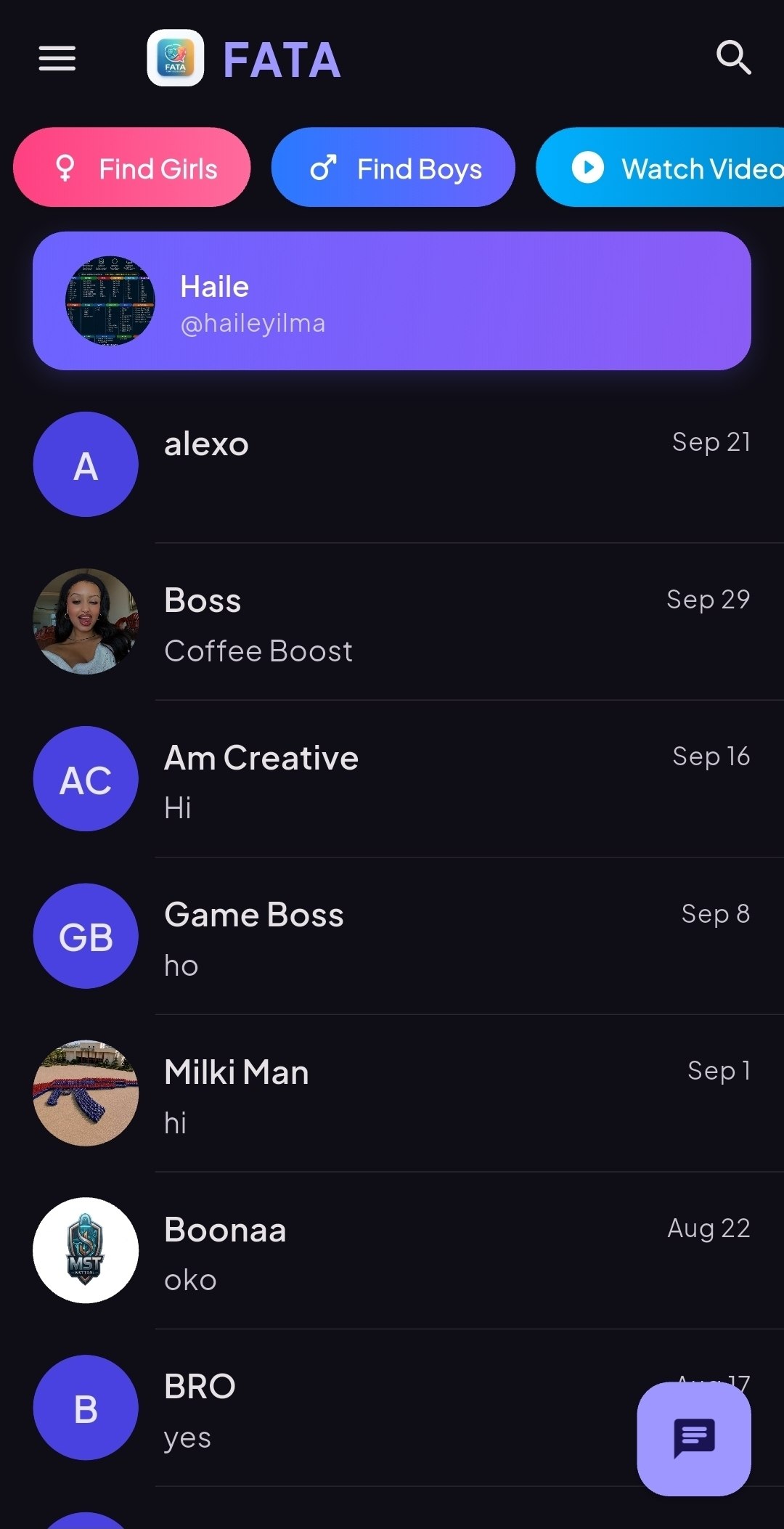
Fata
● Secure chat
Hey! Did you get the photos? 📷
Yes, sending a video now 🎬
🎙️
0:12
Type a message...
📎 🎤
Fata is designed to keep your conversations private and safe.
Follow the step-by-step guide to install the APK.
APP FEATURES
Everything you need to stay connected
Send messages and media, record your voice and keep your conversations secure.
Instant chat
Talk with friends and family in a clean, fast and easy-to-use chat.
Secure conversations
Built with privacy in mind, so you can chat with confidence.
Send images
Share your photos and moments with the people you care about.
Send videos
Share videos directly in your chats without leaving the app.
Send audio
Share audio files and listen to them right inside the conversation.
Voice recorder
Record a voice message and send it instantly when typing is too slow.
Built with Flutter for a smooth experience, with many more features included in the app.
ANDROID DOWNLOAD
Download APK
Get Fata
Download the APK and start chatting securely. After downloading, follow the installation steps below.
QUICK INSTALLATION
Install in four steps
Follow these instructions to install Fata on your Android phone.
01
Download the APK
Tap the Download APK button above. If Google Drive shows a confirmation page, follow its instructions.
02
Find your file
Open your phone's Downloads folder or Files app and locate the downloaded APK.
03
Allow installation
If Android asks, enable installation from this source in Settings. Only proceed if you trust the APK.
04
Install and open
Tap Install, wait for it to finish, then open Fata and start chatting.
HELP CENTER
Frequently asked questions
Useful information before downloading the app.
What is Fata?
Fata is a secure chat app for Android, built with Flutter. You can send messages, images, videos and audio, and record voice messages.
What can I send in Fata?
You can send text messages, images, videos and audio files, and you can record and send voice messages.
Why can't I download the APK?
Check that your internet connection is working. Google Drive may also show a confirmation screen or temporarily limit downloads. If the problem continues, try again later.
Why does Android show an installation warning?
Android warns you about apps installed outside Google Play. Make sure you downloaded the APK from this official page before proceeding, and never ignore a security warning without understanding it.
Do I need internet to use Fata?
Yes. Fata is a chat app, so you need an internet connection to send and receive messages and media.
CONTACT
Get in touch
Questions, feedback or problems with the app? Reach out to us by email, phone or Telegram.
Important information
Fata is an independent application. Please respect other people's privacy and use the app responsibly and in line with the law.